Slack Integration
Slack Integration: All Your Support in One Workspace
Reply from Slack, and customers receive your message back on whichever channel they originally wrote in, whether that was email, chat, or somewhere else.
Free 14-day trial. No credit card required. Works with any Slack plan.
The problem
Your team already lives in Slack, so why send them somewhere else to help customers?
"A customer emails at 9:02 AM while you're deep in a Slack thread about the sprint, and you don't see the message until 11:30. By then they've already tweeted about it."
Tab overload
Switching constantly between Slack and your support tools breaks your flow every time you need to respond to a customer.
Missed messages
Important customer issues get buried in notification noise, and you end up finding them hours after they landed.
Slow responses
Context-switching drains your productivity, so customers end up waiting while you hunt through browser tabs for the right view.
Your team cares about customers, but the tooling keeps getting in the way.
Support breaks down when it lives outside the place your team already works.
Messages land in inboxes that nobody is actively watching.
Customer alerts get buried under marketing pings and internal noise.
Customers end up waiting because someone on your team was three tabs deep when the message arrived.
Every extra tool between your team and the customer adds latency.
The solution
Zickt brings every channel into Slack
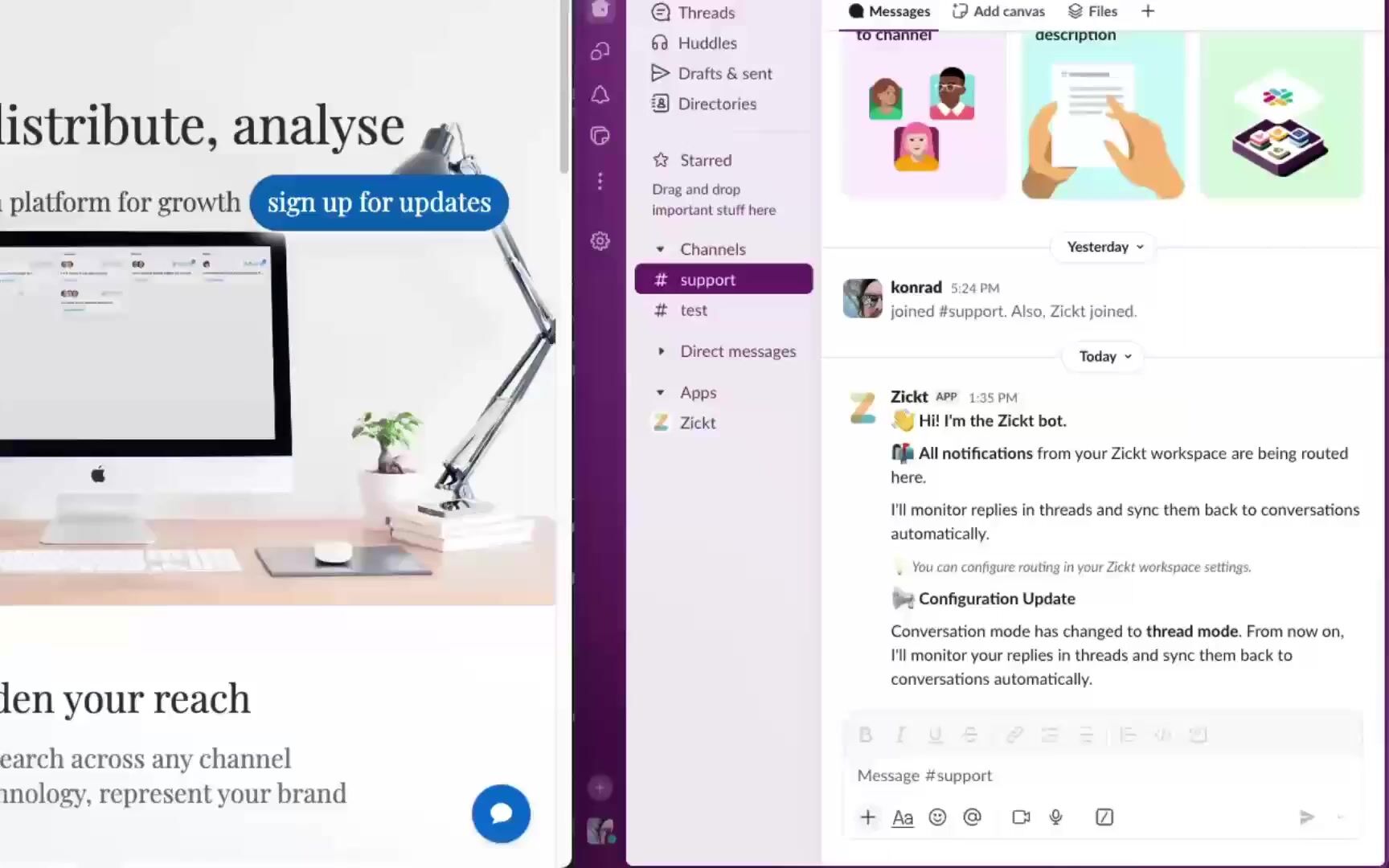
Conversations from email, live chat, and other channels all appear inside Slack, and when you reply there, the customer receives your reply on whichever channel they originally used.
There's no new tool to learn, because everything happens inside the Slack workspace your team already uses.
What you get
Support customers without switching apps
Everything you need to deliver fast, responsive support, all from inside Slack.
Faster responses
One-click actions and slash commands let your team respond in seconds instead of clicking through menus.
Nothing slips through
Smart routing sends each conversation to the team best placed to handle it, and assignments notify the specific person on the hook.
Team context built in
Internal notes and handoff context let your team collaborate privately while customers only ever see the outward-facing reply.
Power features
The power tools your team actually uses
Slash commands, context menus, file sharing, and smart routing, all built for teams that already live in Slack.
Manage conversations without touching the mouse
Type /zickt close or /zickt assign, so power users can fly through their support queue entirely from the keyboard.
Files flow both ways
Customer attachments appear in Slack as downloadable files, and anything you drop into your reply reaches the customer in the same format.
Right-click any message to take action
Slack's right-click menu lets you close, snooze, assign, or tag any conversation without scrolling to find a button.
Private notes that customers never see
Internal notes you write in Slack sync across to Zickt, so your team can talk openly while the customer only ever sees the outward-facing reply.
Every detail in one pinned message
Channel Mode pins a single message that shows the assignee, the conversation status, the contact's details, and the action buttons your team actually uses.
Team matching with no setup
Slack users are matched automatically to Zickt team members by email, so your team can install the app and start working right away.
Route conversations to the right team
Conversations route to per-team channels, and when one moves between teams, both sides get notified with the full context of the thread.
Edits and deletes sync in both directions
When you fix a typo or delete a message in Slack, the change reaches the customer's side of the conversation almost immediately.
Your Slack formatting reaches customers as HTML
Formatting from Slack, including bold, italic, code blocks, and lists, is converted automatically into clean HTML that the customer sees in their email or chat.
inline codeReactions tell you delivery status at a glance
Each reply you send gets a checkmark reaction, and internal notes get a memo icon, so the delivery status of every message is visible without opening anything.
Pick a workflow that fits your team
Organize conversations however suits your team
Thread Mode
All conversations in one channel
Best for small teams handling high volume
Easy to scan and triage quickly
Channel Mode
Each conversation gets its own channel
Best for high-touch accounts or complex issues
Gives each conversation a dedicated space for deep focus
Works just as well for a team of one as it does for a team of a hundred.
Ready to support customers from Slack?
Free 14-day trial. No credit card required.
Newsletter
Get the latest product news and behind the scenes updates.